
Best Seller Icon Bestseller

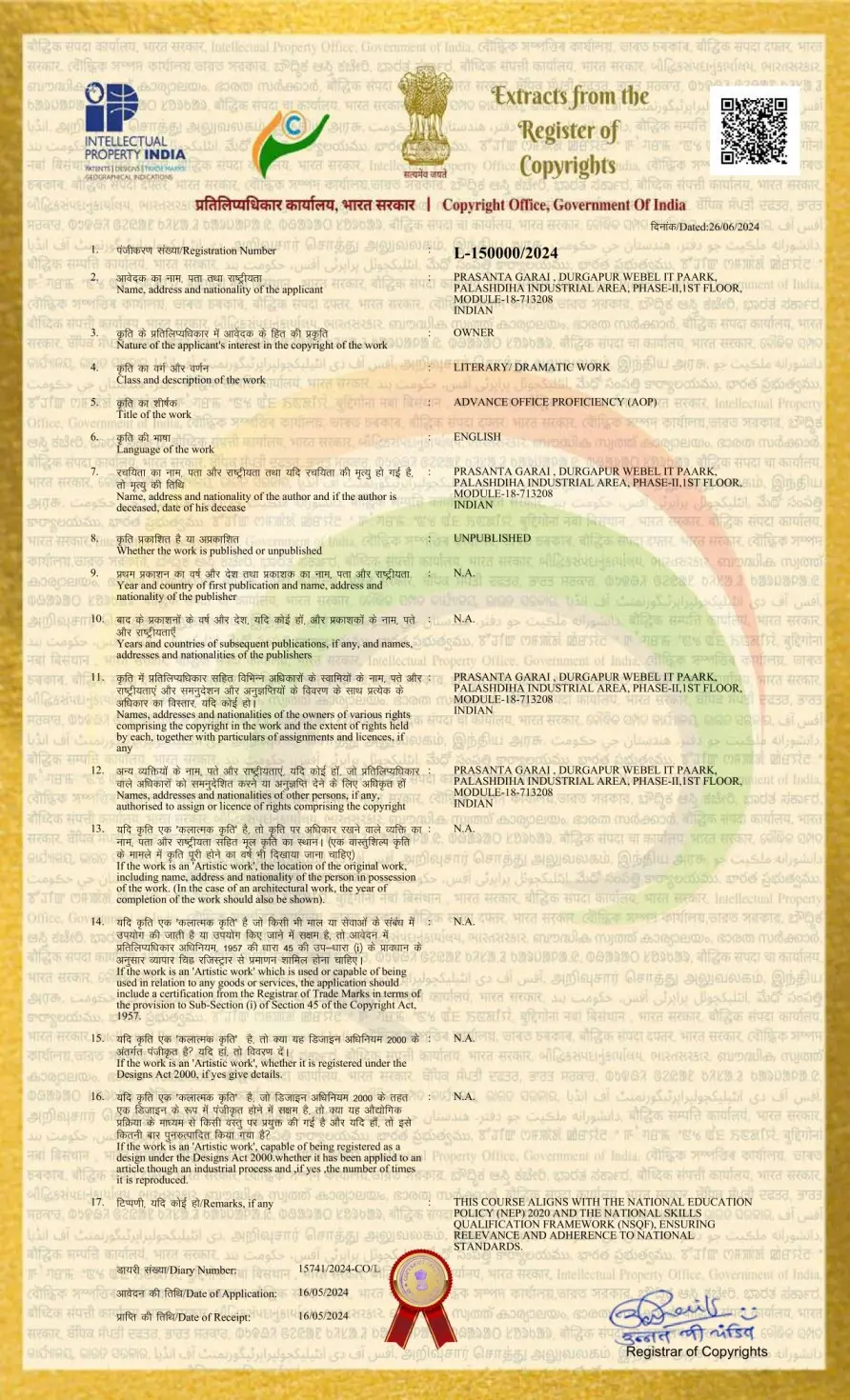
Certificate In Advanced Office Proficiency (AOP)(S-AOP(-9463)

  • Last updated Jan, 2026
  • Certified Course
₹6,000 ₹8,000

Course Includes

  • Duration3 Months
  • Enrolled0
  • Lectures24
  • Videos0
  • Notes0
  • CertificateYes

What you'll learn

📜 Certificate in Advanced Office Proficiency (AOP)

Category: IT & Digital Technology Skills

Alignment: NEP 2020 | NSQF Aligned

Course Type: Certificate Course (Job-Oriented)

Mode: Classroom / Online / Hybrid

Target Learners: Students, Job Seekers, Office Executives, MIS Executives, Administrative Professionals

⏱️ COURSE DURATION, CLASSES & FEES (PORTAL-READY)

  • Course Duration: 3 Months
  • Classes per Week: 3 Days
  • Class Duration: 1.5 Hours
  • Total Classes: 24 Classes
  • Total Training Hours: 36 Hours

💰 FEES STRUCTURE (RECOMMENDED)

  • Course Fees:6,000
  • Examination / Certification Fees:800

(CSR / Govt programs: Course Fee may be sponsored; Exam Fee retained)


🎯 COURSE DESCRIPTION

The Certificate in Advanced Office Proficiency (AOP) offered by LTPL Skill Foundation is a comprehensive professional program designed to equip learners with advanced working knowledge of Microsoft Office and modern digital office tools.

The course focuses on advanced Microsoft Word, Excel, PowerPoint, Outlook, and professional email & Google Drive management, enabling learners to work efficiently in corporate, administrative, academic, and business environments.

Aligned with NEP 2020 and NSQF standards, this program emphasizes hands-on practice, productivity enhancement, data handling, documentation, communication, and workflow integration, ensuring learners are job-ready for today’s digital workplace.


🎯 COURSE OBJECTIVES

By the end of this course, learners will be able to:

  • Use advanced features of MS Word, Excel, PowerPoint, and Outlook
  • Perform data analysis, visualization, and automation using Excel
  • Create professional documents, reports, and presentations
  • Manage emails, calendars, and tasks efficiently
  • Integrate Microsoft Office tools with Google Drive and email systems
  • Improve workplace productivity and digital professionalism


Show More

Course Syllabus

🧩 COURSE SYLLABUS (MODULE-WISE)

🔹 Module 1: Advanced Microsoft Word (10 Hours)

Advanced Formatting & Layout (4 Hours)

  • Styles & Themes
  • Advanced Page Layout
  • Advanced Table Formatting

Document Automation & Macros (3 Hours)

  • Recording & Editing Macros
  • Automation through Macros
  • Customizing Quick Access Toolbar

Collaboration & Version Control (2 Hours)

  • Track Changes & Comments
  • Document Comparison

Mail Merge & Templates (1 Hour)

  • Mail Merge Documents
  • Custom Document Templates

🔹 Module 2: Advanced Microsoft Excel (12 Hours)

Advanced Functions & Formulas (4 Hours)

  • Logical, Lookup & Reference Functions
  • Date & Time Functions
  • Text Functions
  • VLOOKUP, HLOOKUP, XLOOKUP

Data Analysis & Visualization (4 Hours)

  • Advanced Sorting & Filtering
  • Data Validation & Conditional Formatting
  • Dynamic Charts & Graphs

Pivot Tables & Charts (3 Hours)

  • Creating & Customizing Pivot Tables
  • Pivot Charts & Data Analysis

Data Protection (1 Hour)

  • Worksheet & Workbook Protection
  • Advanced Data Validation

🔹 Module 3: Advanced Microsoft PowerPoint (6 Hours)

Custom Slide Design & Layouts (3 Hours)

  • Custom Slide Layouts
  • Slide Master Design

Multimedia & Animations (3 Hours)

  • Audio & Video Integration
  • Animations & Transitions

Advanced Presentation Techniques (Integrated)

  • Professional Presentation Settings
  • Impactful Delivery Techniques

🔹 Module 4: Advanced Microsoft Outlook (6 Hours)

Email Organization & Filtering (2 Hours)

  • Folders, Rules & Categories

Calendar & Scheduling (2 Hours)

  • Meetings & Appointments
  • Calendar Sharing

Task & Contact Management (1 Hour)

  • Task Lists & Contact Organization

Email Automation (1 Hour)

  • Rules & Quick Steps


🔹 Module 5: Advanced Email & Google Drive Management (2 Hours)

  • Professional Email Communication & Netiquette
  • Email Settings & Security Awareness
  • Google Drive File Management
  • File Sharing & Permissions
  • Google


Course Fees

Course Fees
:
₹8000/-
Discounted Fees
:
₹ 6000/-
Course Duration
:
3 Months

Review

0.0
Course Rating (0 reviews)
0%
0%
0%
0%
0%